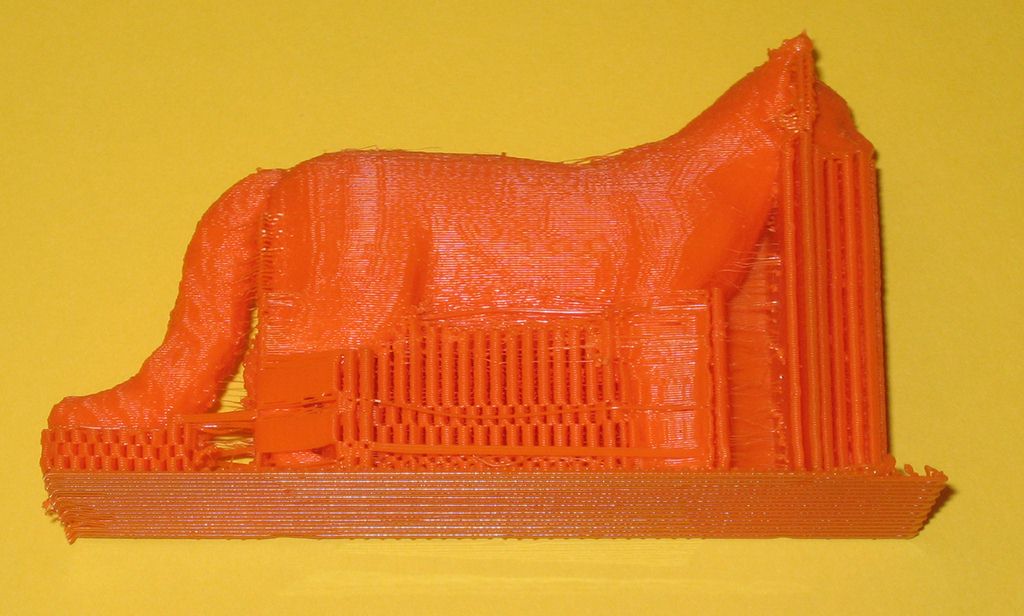
Take a closer look at your Support Infill Angles setting.
Instead of just putting in each angle once, you can actually input duplicate angles and write out a pattern that the slicer will just repeat. Even with just a 1-degree difference, the software will stagger the support material at a new position.
So currently my Support Infill Angles are:
0
0
0
0
0
0
0
0
0
0
1
1
1
1
1
1
1
1
1
1
Every 10 layers, the support starting location will hop back and forth, creating support material that I've found is pretty easy to take apart if you have a thicker nozzle (I don't seem to need to do this on my .35 printer, but it's made things easier on my .5).
