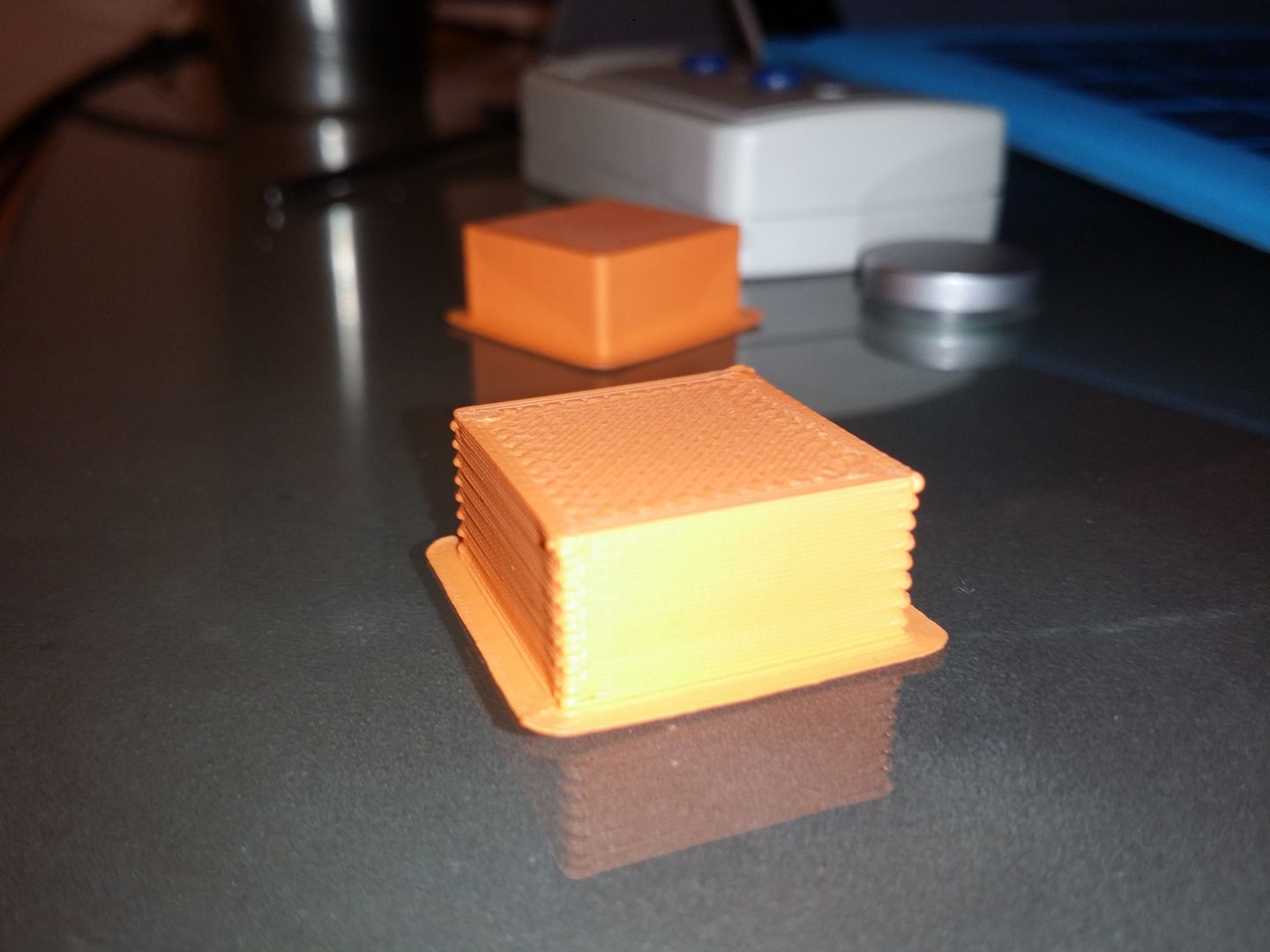
if the blob is at the start of the line add a small neg restart distance. Start with -.05. If thats not enough then go up to -.1 .... Keep the # as small as possible because you can also cause a gap if the value is too high.
I played with the values from -.05 all the way to -.5 and was getting a bit of a difference but I thought that -.5 extra restart was a bit extreme and out of the recommended change range so I started trying other variables. Do you think it makes sense togo higher?
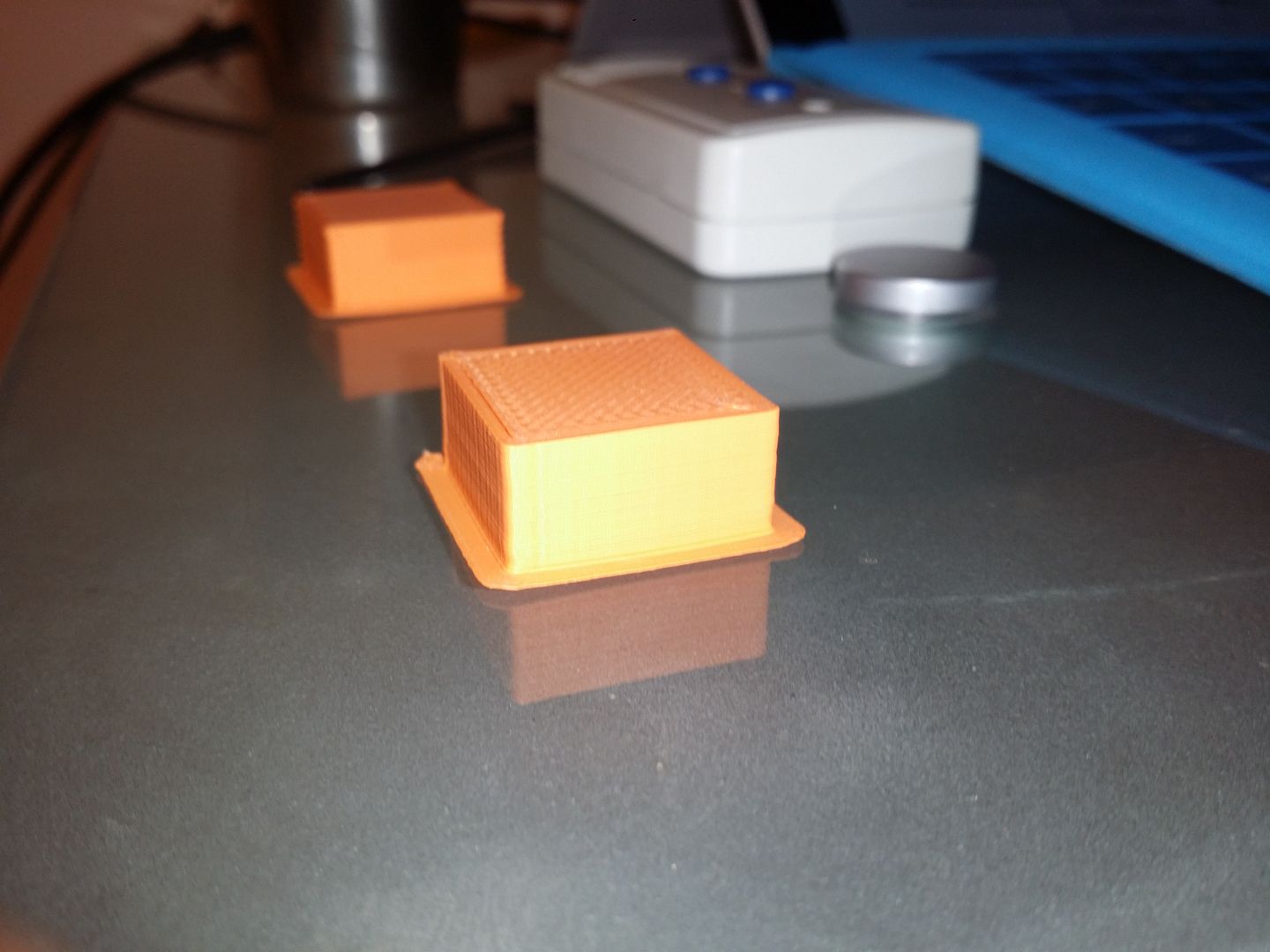
-.5 Extra restart distance test cube
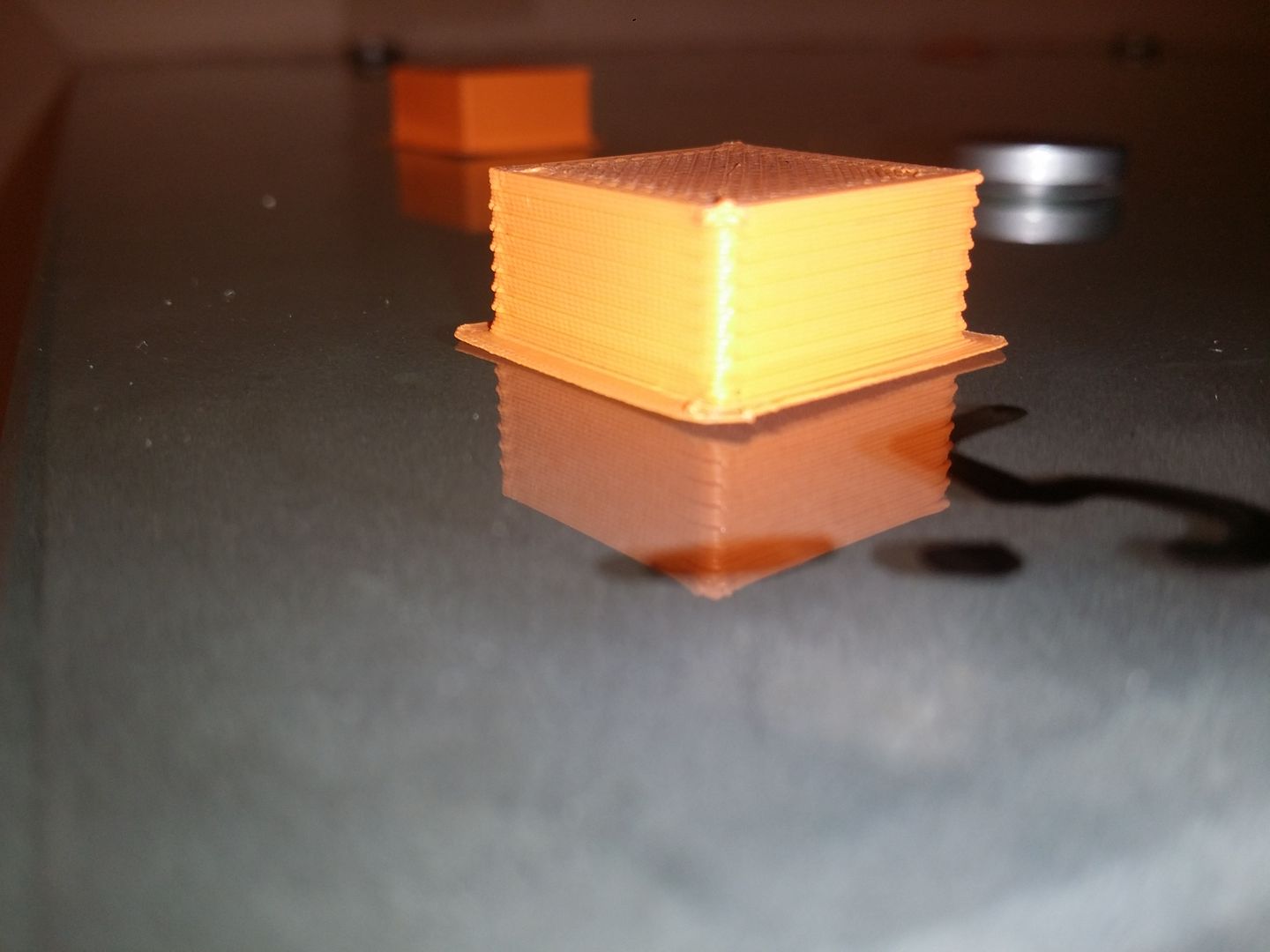
From a different angle
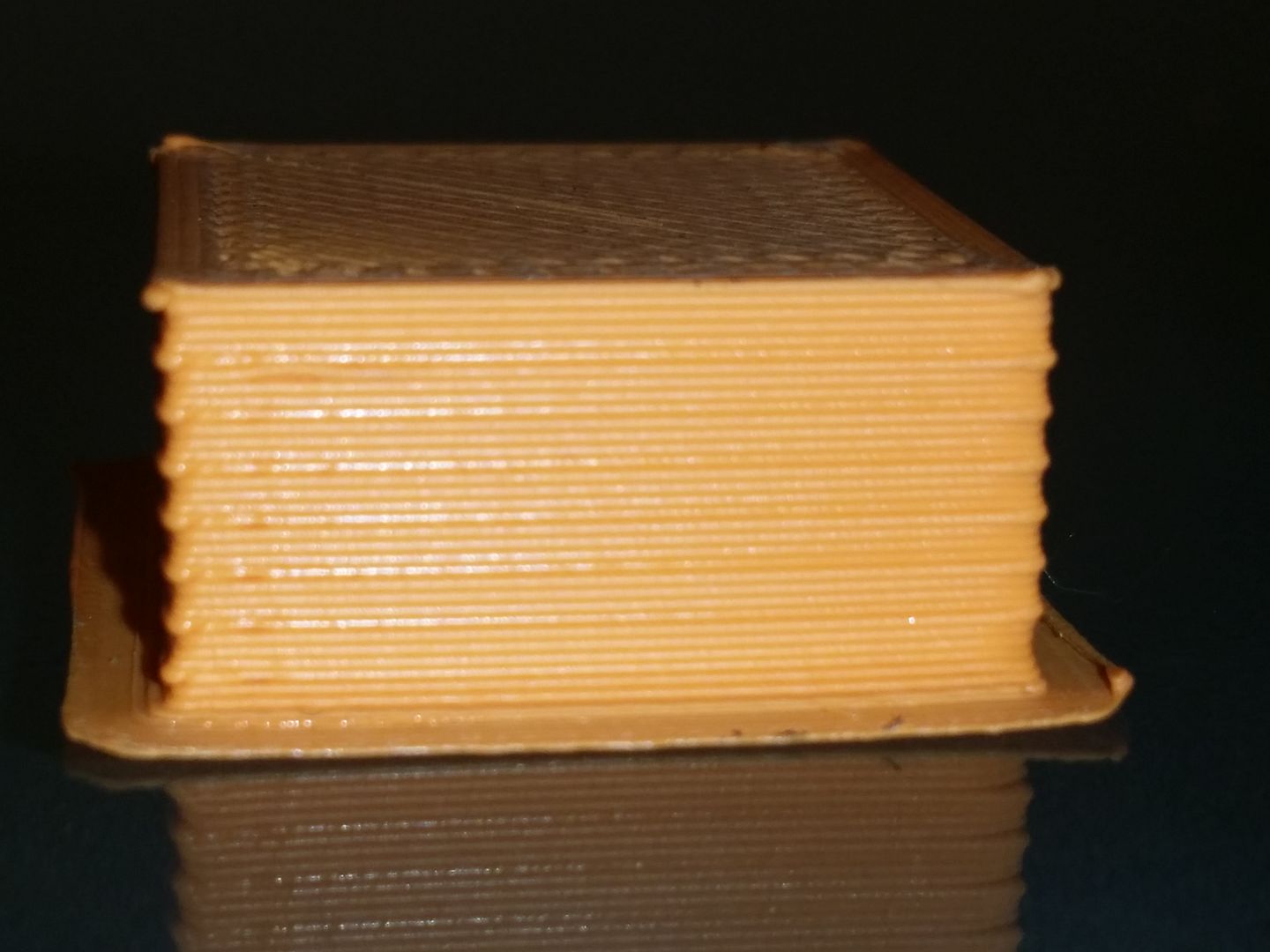
Try disabling the retract between layers. Go to Advanced tab, uncheck "force retract between layers"
I really thought that this would have been the golden ticket but unfortunately that didn't yield better results. BUT what it did do was show me another option called "only retract over open spaces"
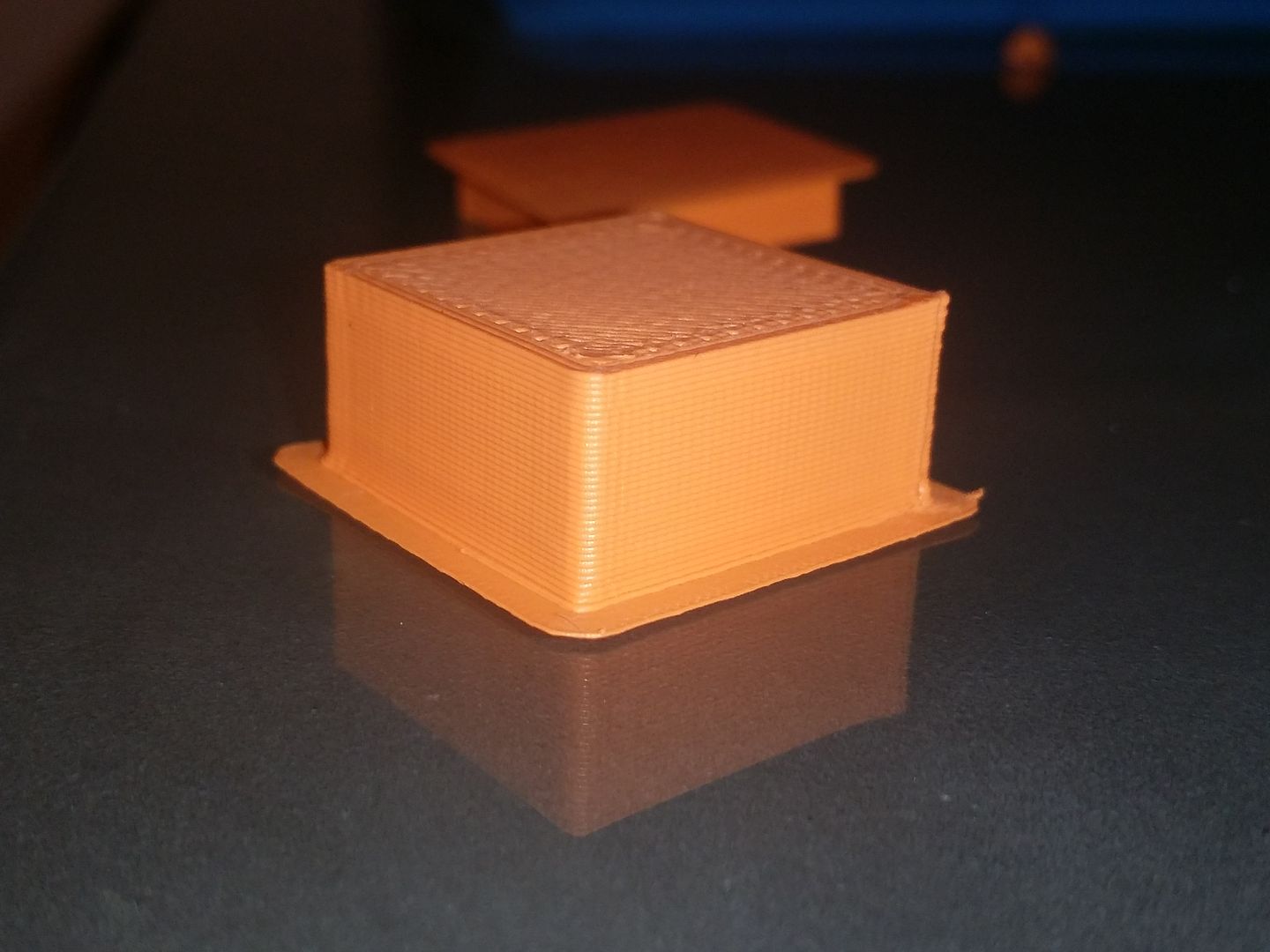
When I turned this on there were no more pauses at the points I was seeing blobs leaving me a very nice finish (still not as good as the one I had when I printed 2 objects) but alot better than any of the other tweaking I had done.
Only retract over open spaces, -.1 extra retract, 1 extrusion multiplier
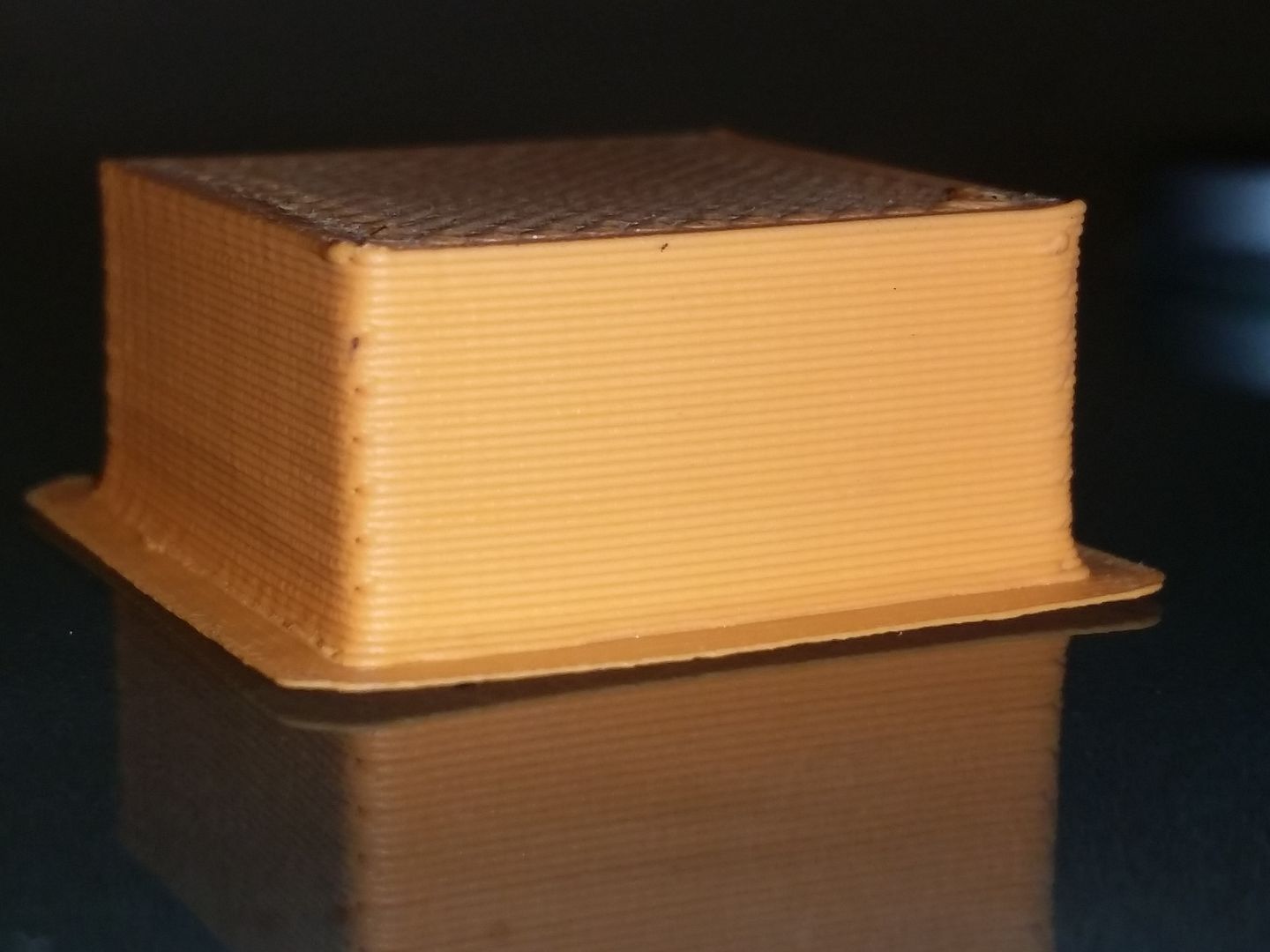
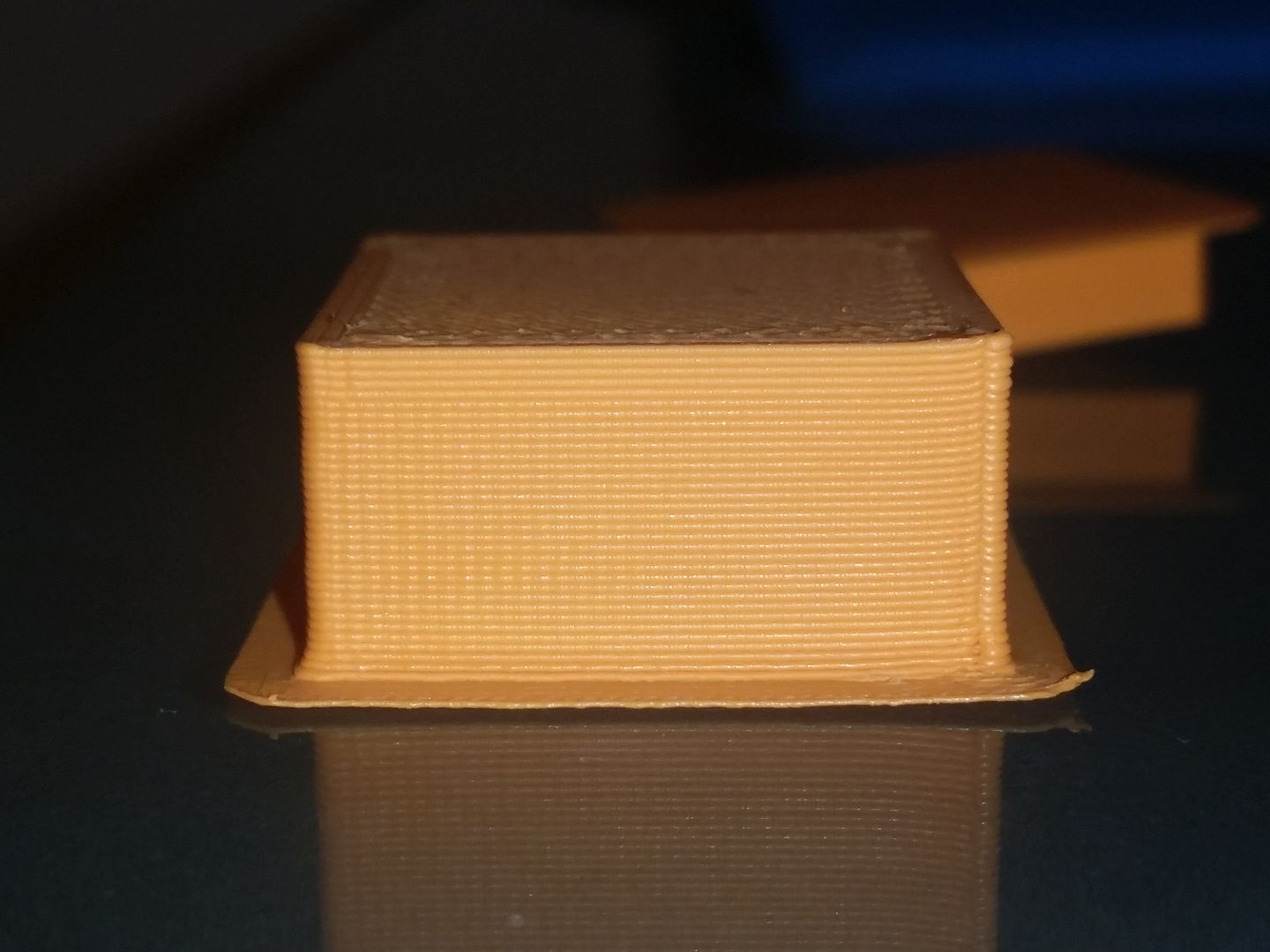
Below is what the good print looked like that I produced when printing two objects at the same time and essentially what would be the goal to replicate.
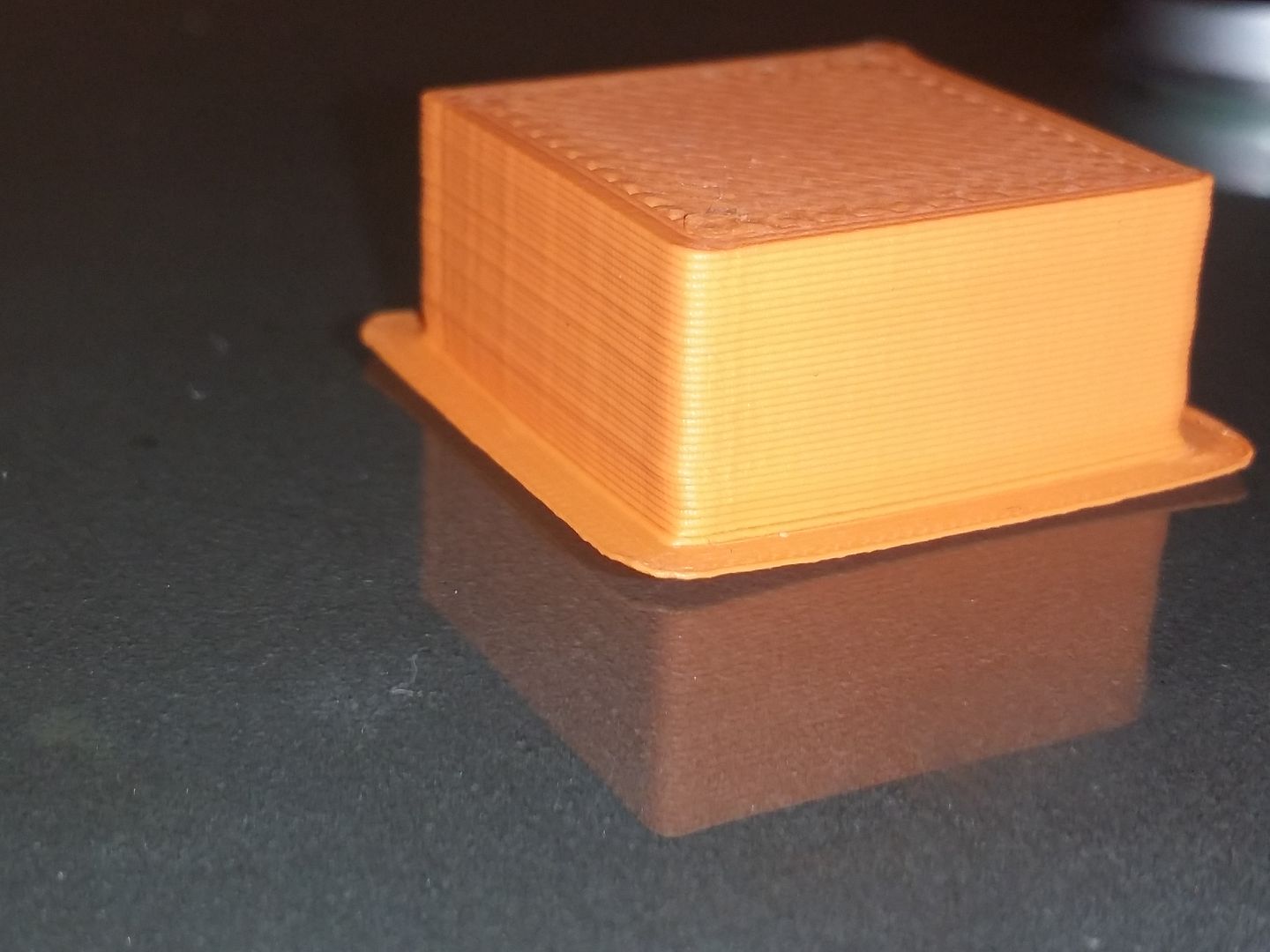
A bit more background information I have a greg wades extruder setup, 0.5 nozzle if that helps diagnose the patient. Thanks again for the tips on where to poke around and sorry for the inconsistent camera angles, let me know if a certain angle is better.