Page 1 of 1
Setting in Wrong
Posted: Wed Jan 27, 2016 8:51 am
by derbayz
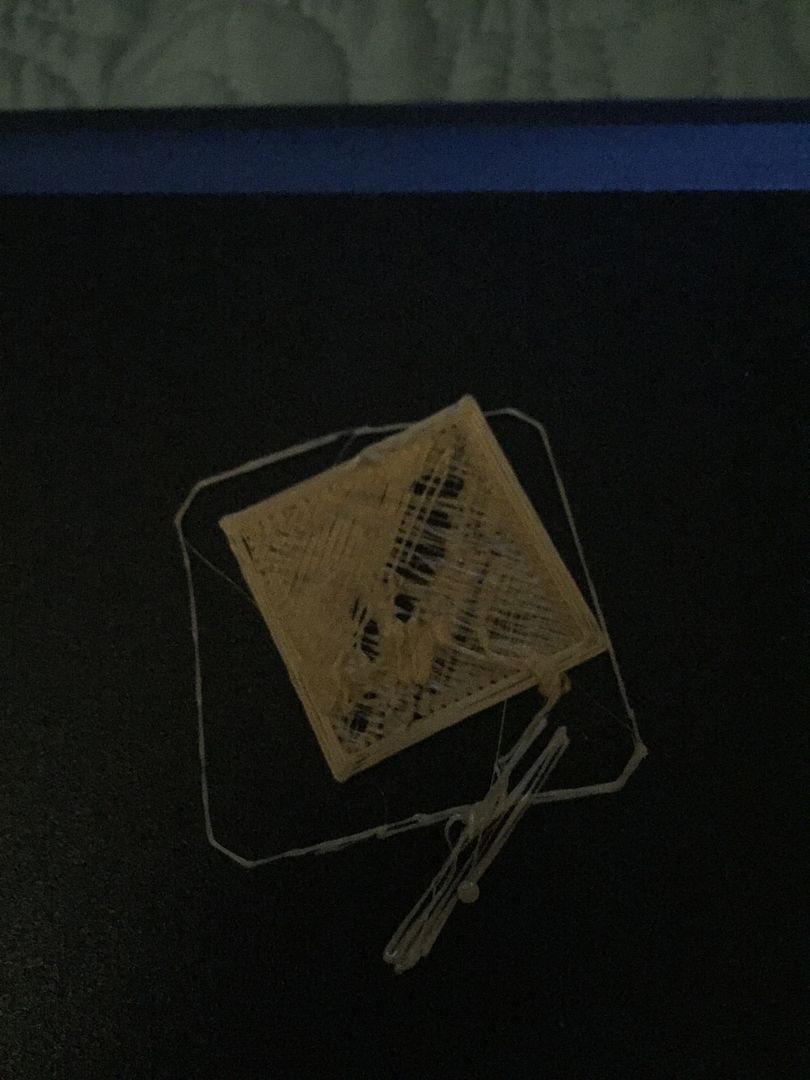
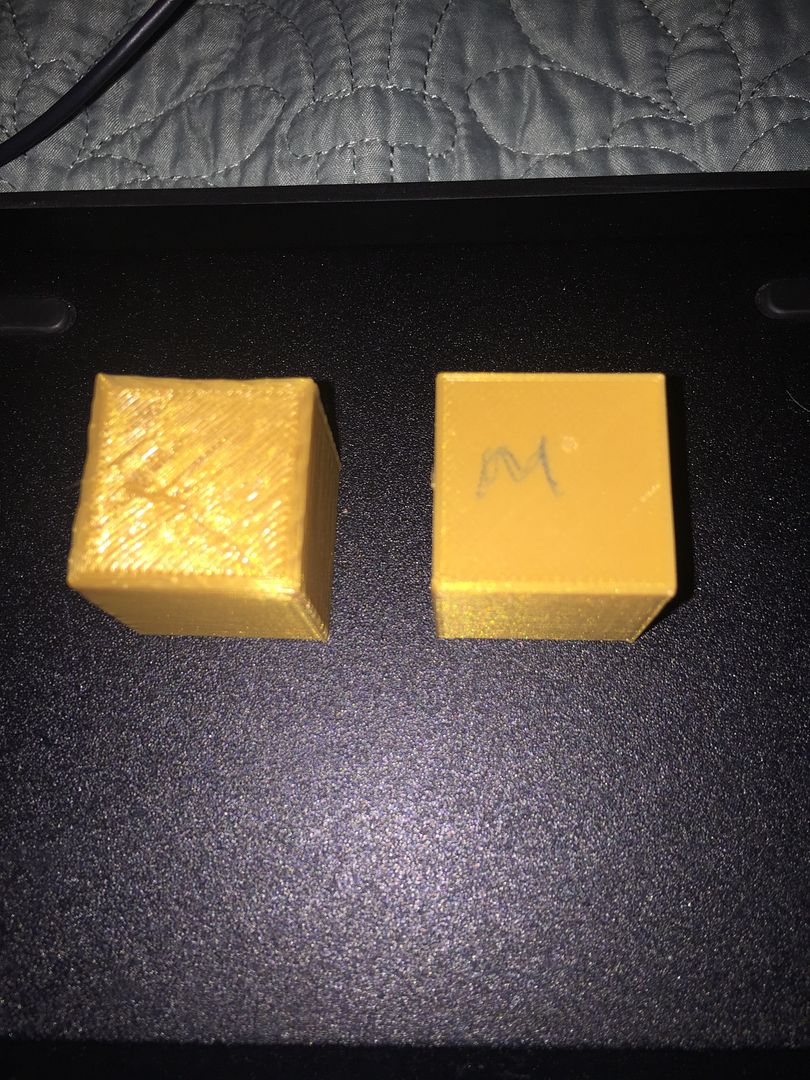
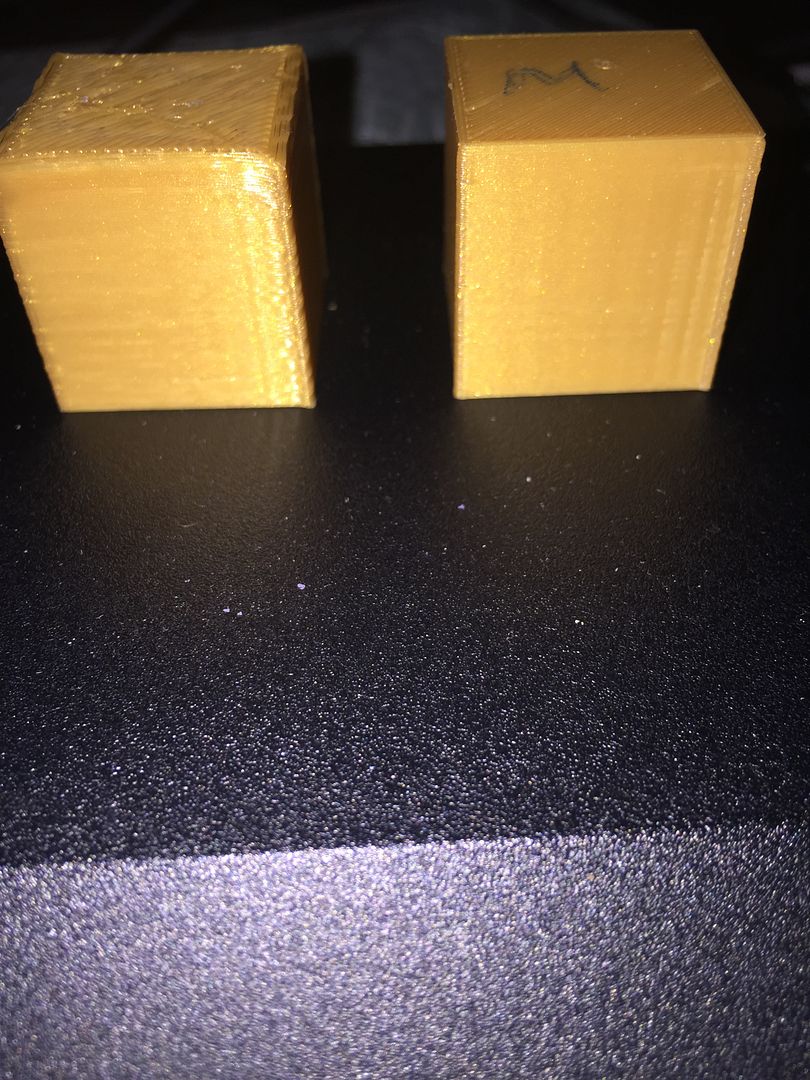
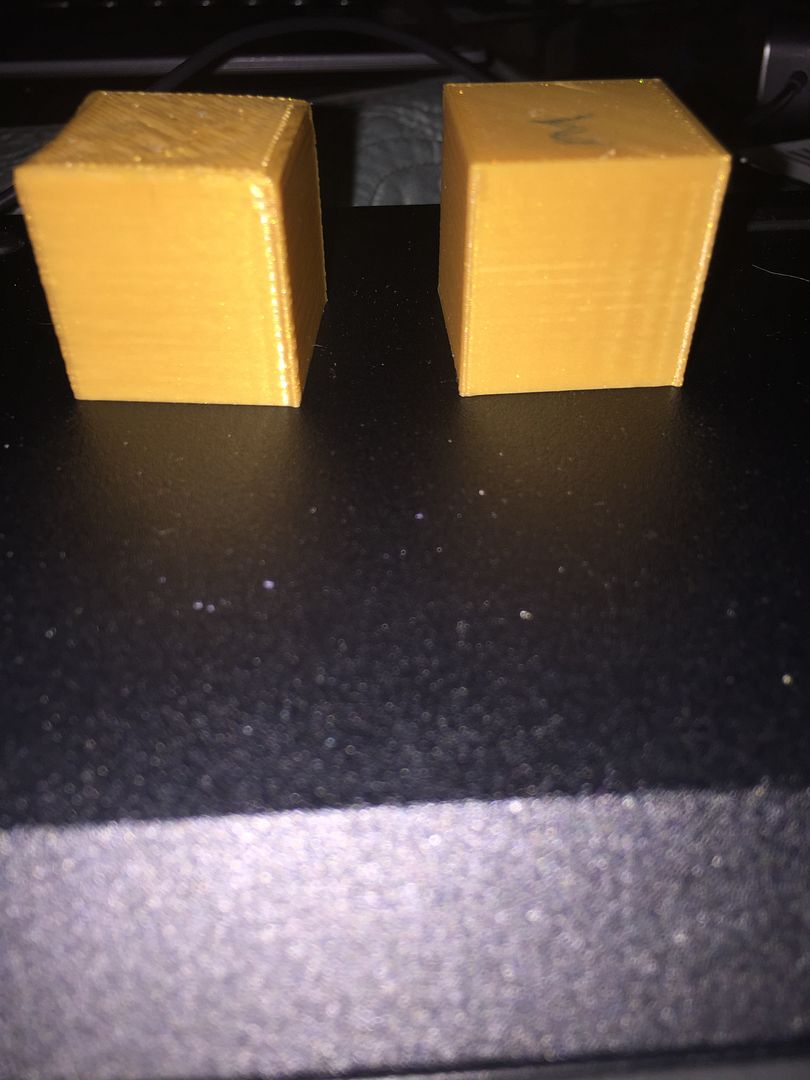
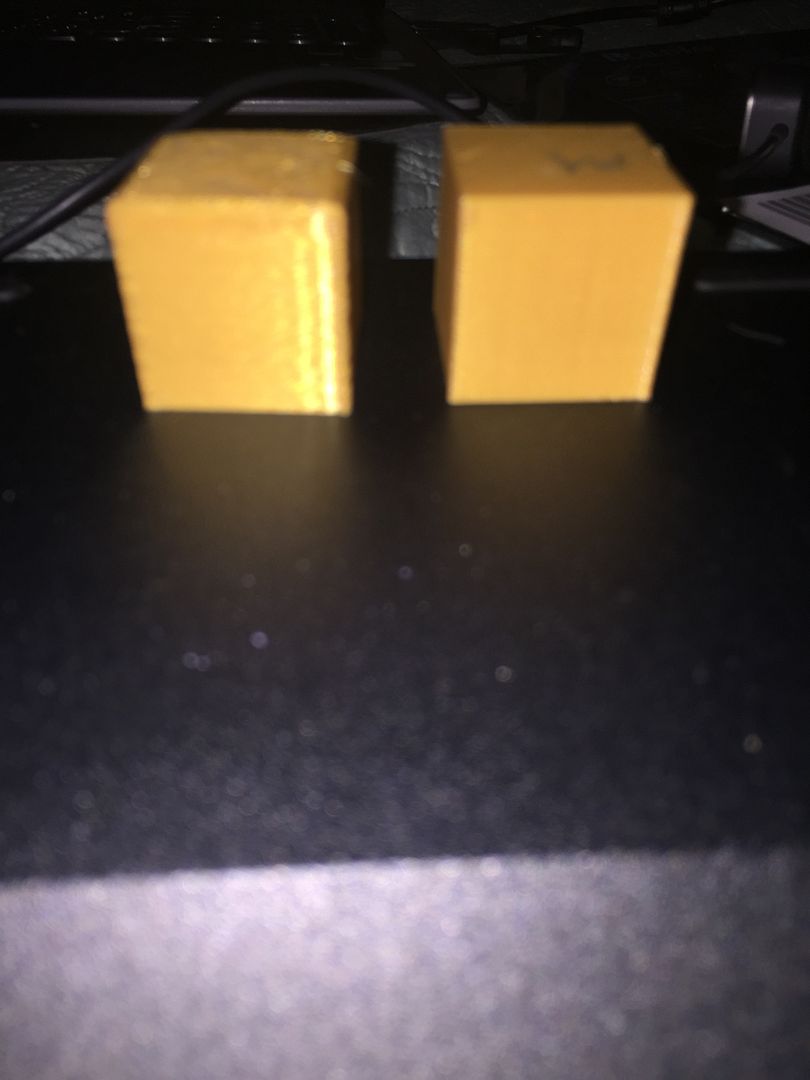
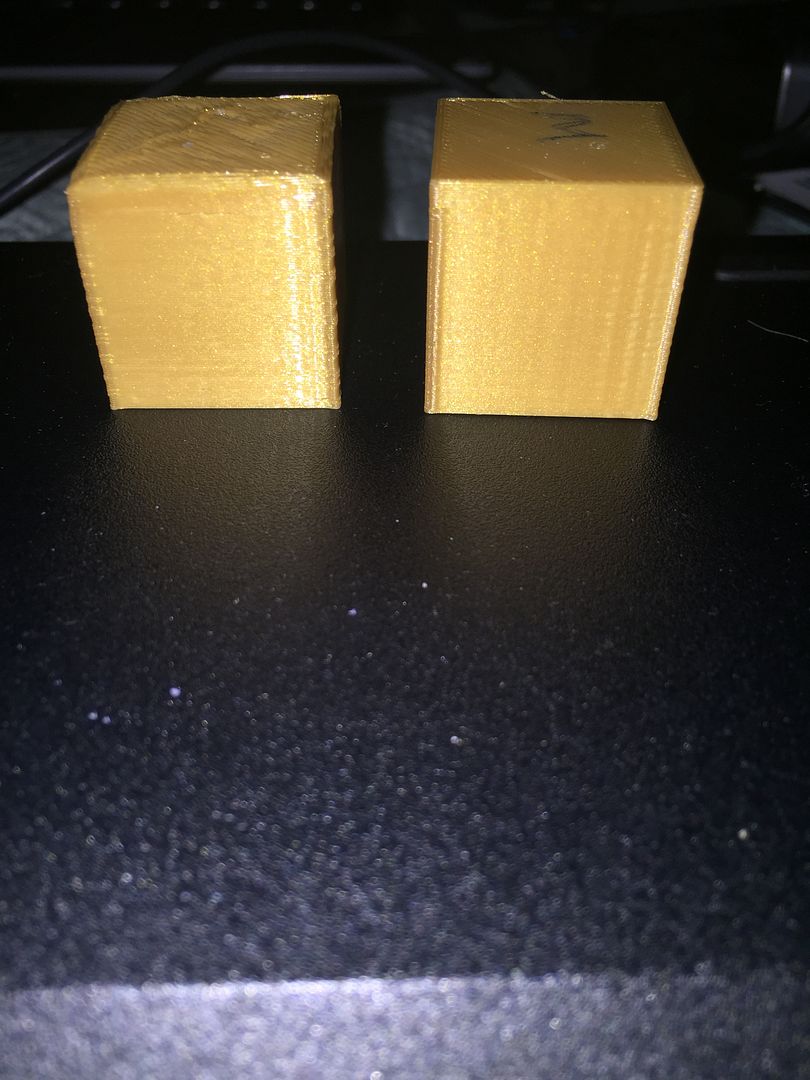
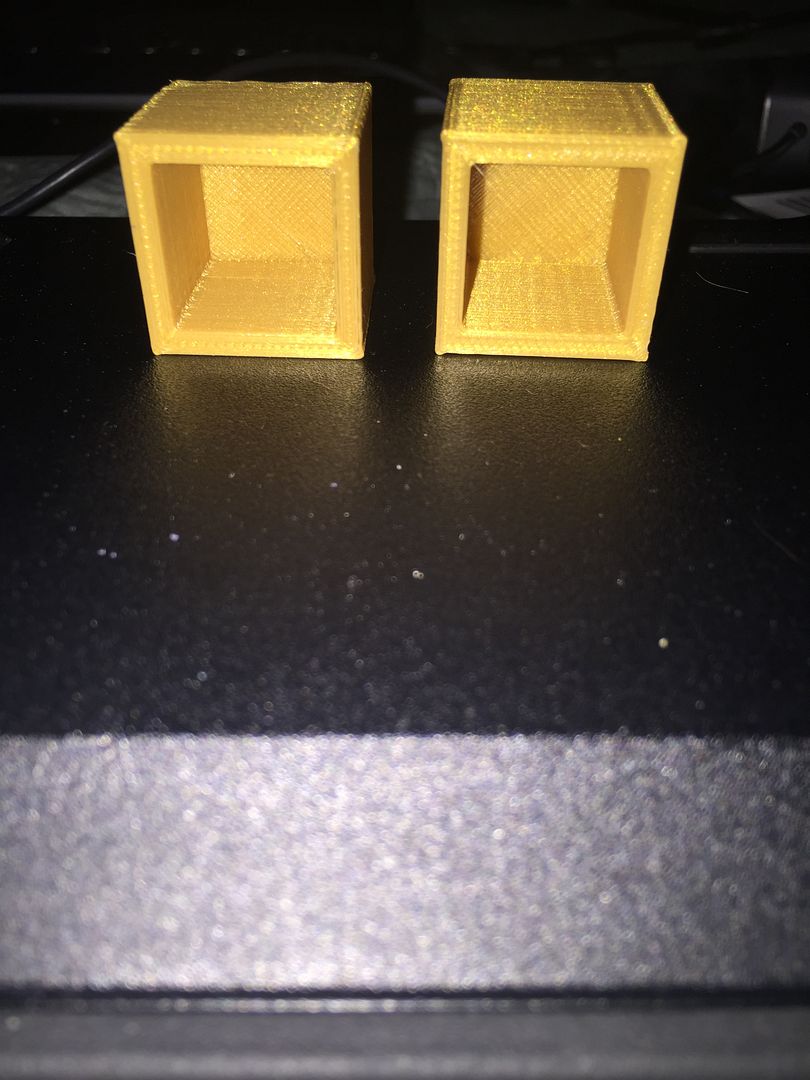
I am using a Robo 3D R1 Plus printer and I didn't like the Matter Control Software, so I purchased simplify3d. With Matter Control, I can print without raft and everything sticks fine, but when I bring it into Simply3D, my printers lift every time. I printed a test cube, one with Matter Control and one with Simplify3D. Attached are pictures. The one on the right is Matter Control, the other Simply3D. Can anyone help me figure out which setting I need to change to get clean prints?
Thank you,
Adele
This is what it looks like when it lifts:
The one on the right is Matter Control, the other Simply3D.
Re: Setting in Wrong
Posted: Thu Jan 28, 2016 4:30 am
by CompoundCarl
Re: Setting in Wrong
Posted: Thu Jan 28, 2016 7:36 am
by derbayz
Thank you for the reply. Yes I saw that. Since it does not happen with Matter Control I assumed it was software based and totally missed the section on the First Layer is printing too fast...... sorry about that. Stupid question. I know how to fix now, I am sorry.
Re: Setting in Wrong
Posted: Fri Jan 29, 2016 4:05 pm
by derbayz
OK, when I checked the settings, I was already printing the first layer at 50%, so I decreased it to 25% with the same result. Am I missing something?
Re: Setting in Wrong
Posted: Fri Jan 29, 2016 8:19 pm
by SimpleScott
For sticking to the bed... I think CompoundCarl was probably trying to refer you to the Z-offset value rather than speed. Look again at the link he provided, the second item titled "Nozzle starts too far away from the bed".
Your print also looks to me like you might be over-extruding, and/or running too hot. Check your filament measurement (on the "other" tab) and extrusion multiplier (on the "Extruder" tab). Also check your extruder temp ("Extruder" tab) and fan speed ("Cooling" tab).
If you can post a Factory File (menu option "File, Save Factory File as..."), people may be able to inspect your settings and have more suggestions.


