Page 1 of 1

Blobs at retraction points gone when print 2 objects

Posted: Sat Feb 21, 2015 6:41 pm
by singhm29
So I have been spending alot of time trying to eliminate blobs that I was getting any time a retraction was occurring due to the whole pause before retracting issue. I figured since not everyone is having this problem that with the correct settings I could get rid of it but I tried tweaking my retraction speed from 3000-6000, extra restart distances, coast, wipe etc and nothing seemed to improve the quality.

Bad blobbing
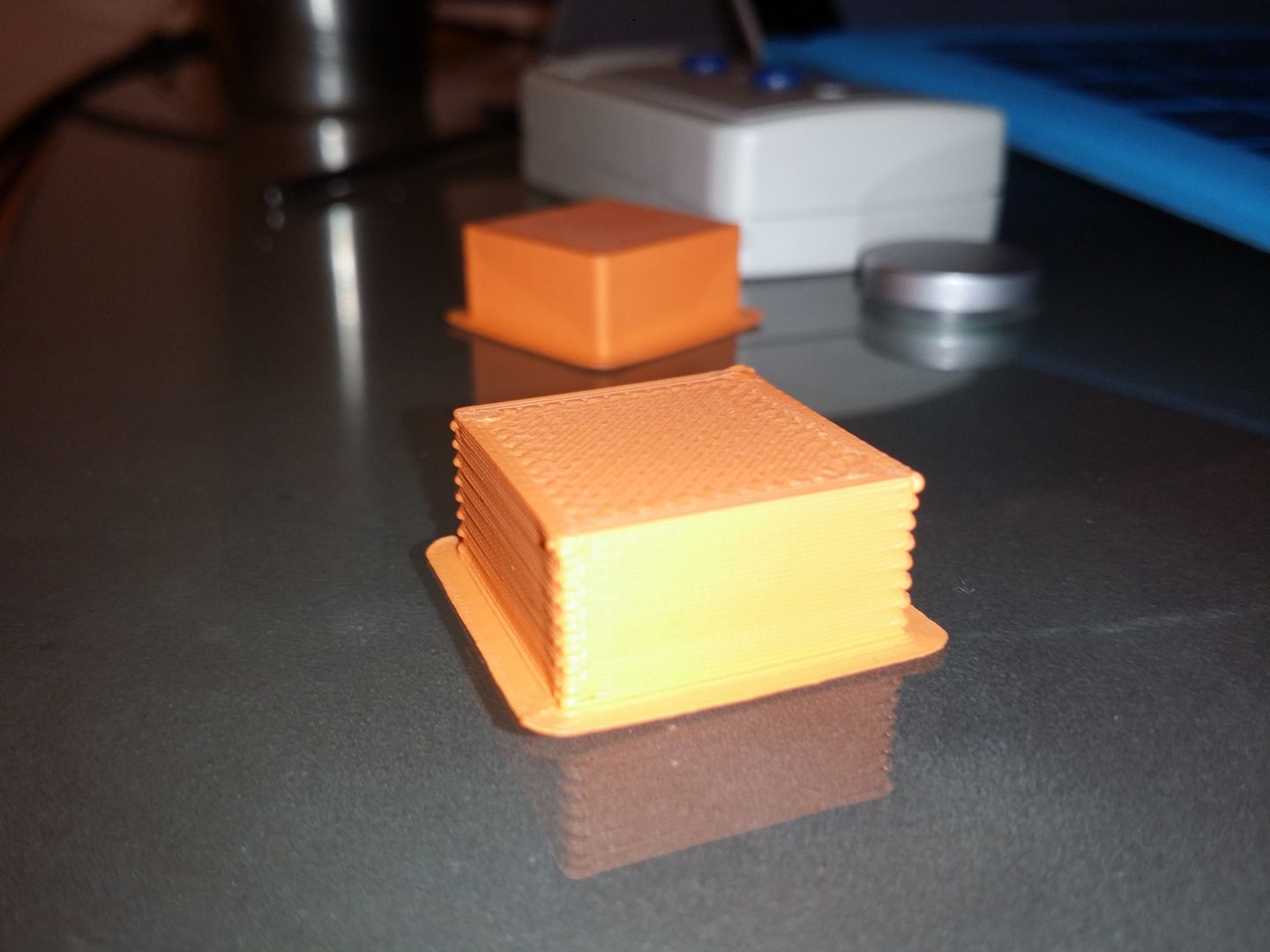
Image


The way better result when printing two at once!
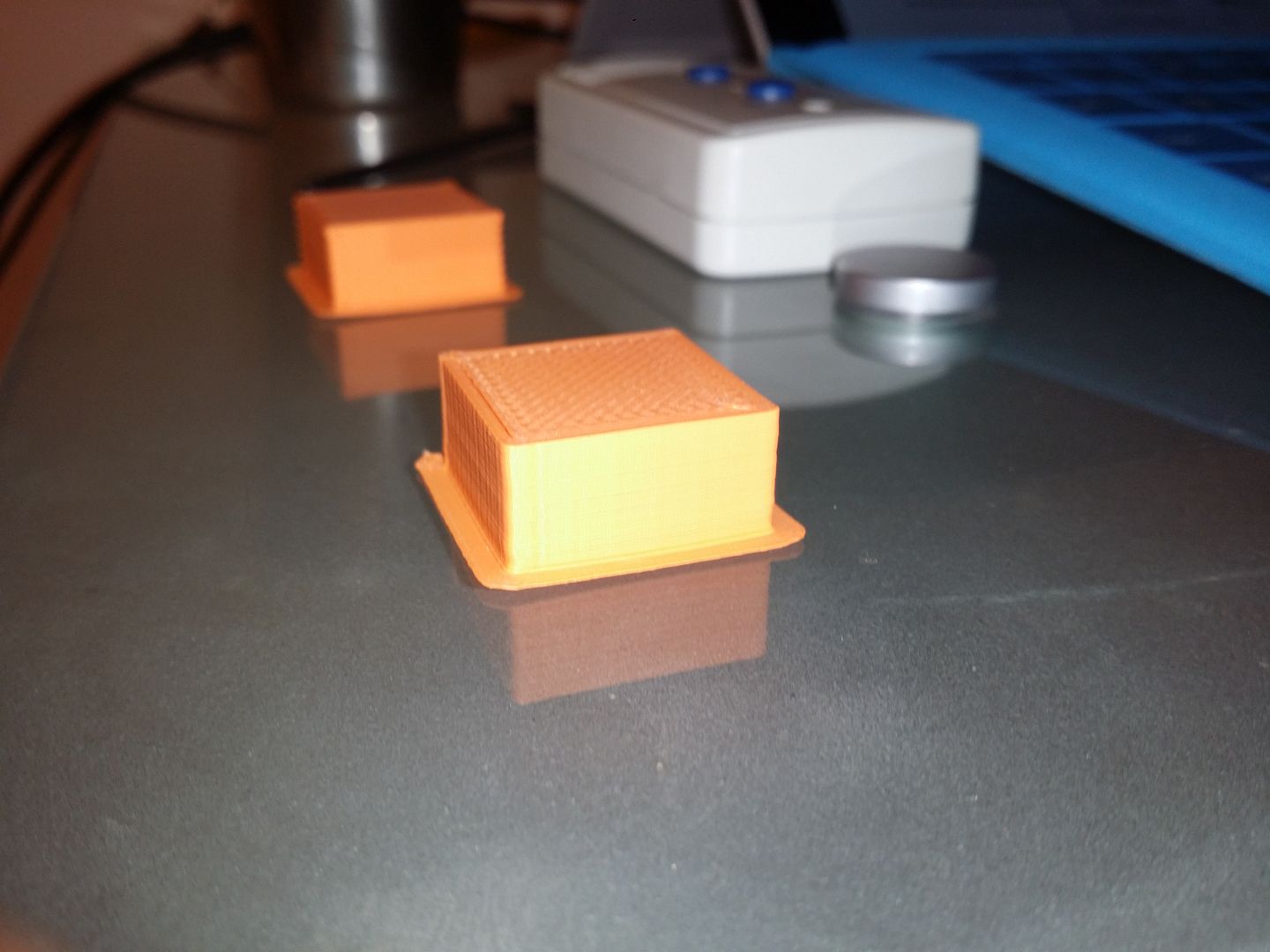
Image

What im thinking is because its jumping between two objects it doesn't have time to pause at each retraction like other people have pointed out to be the cause of blobs. Can anyone guide me through how to change my settings to mimic the better result that I got when printing 2 objects? Let me know what information you need from me and ill post it up.

On the plus side its nice to know that my hardware is setup well enough to achieve a good print now but I just want to crack the code of what the gcode is doing to achieve a good print!
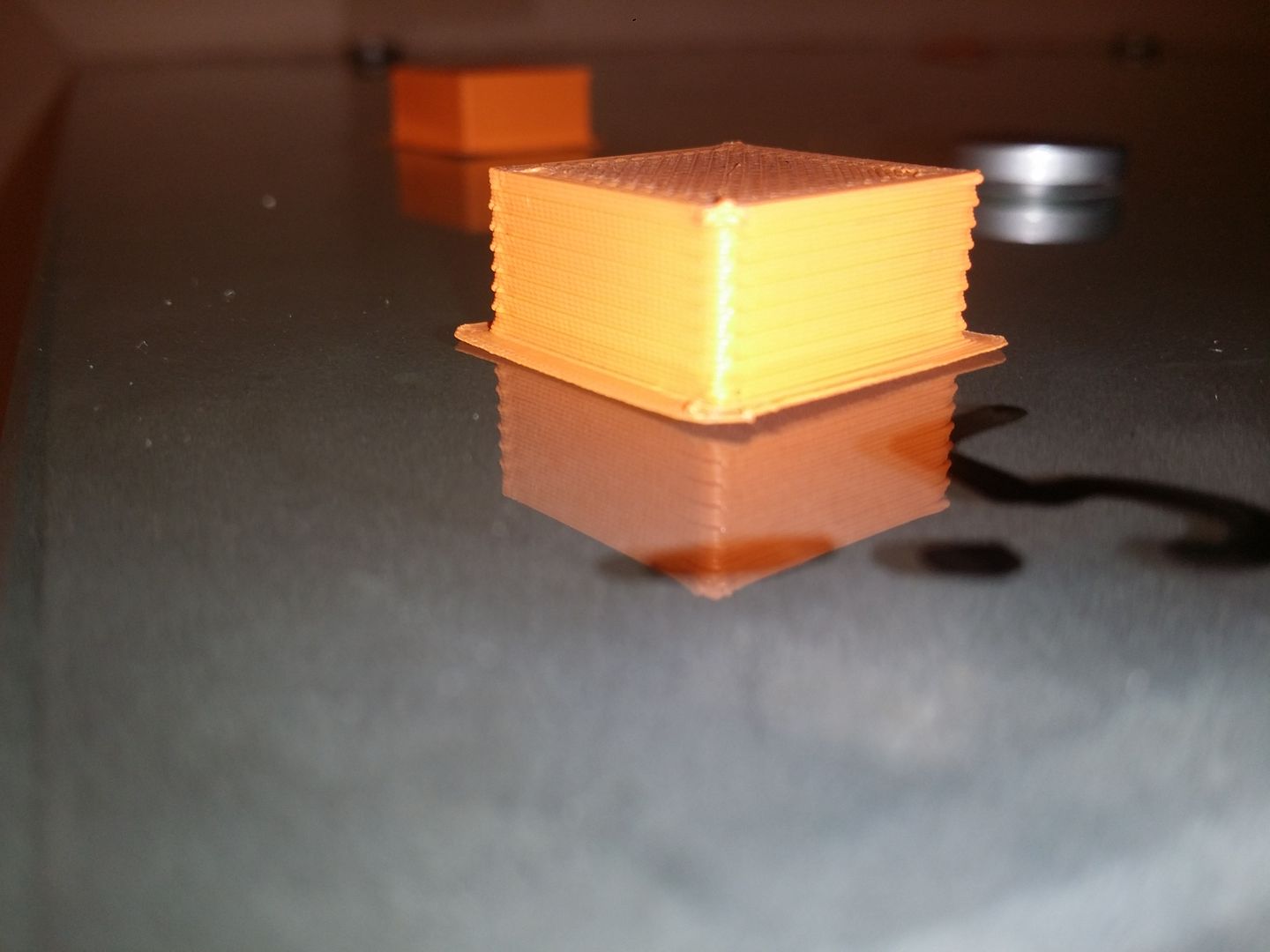
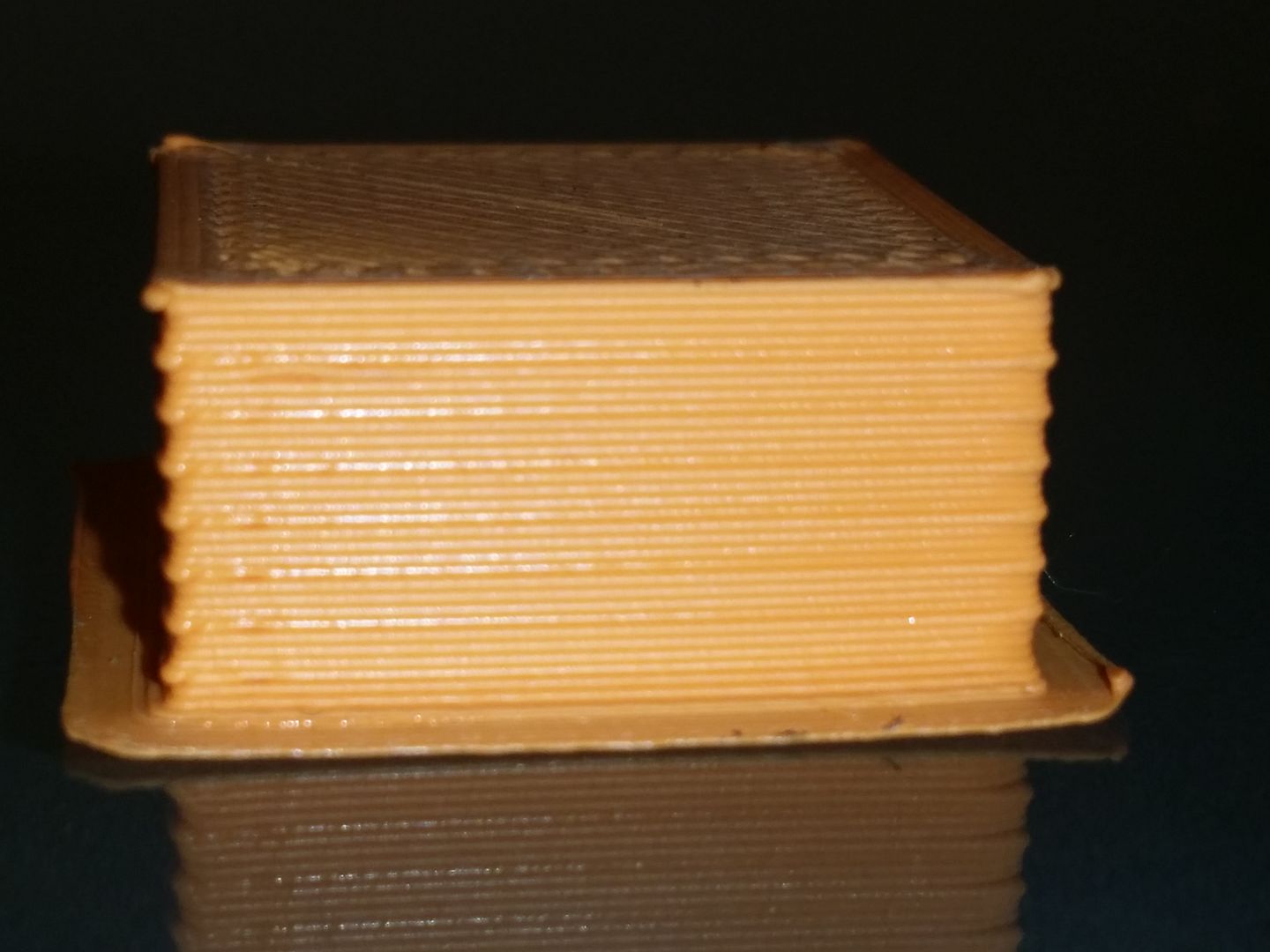
Re: Blobs at retraction points gone when print 2 objects

Posted: Sat Feb 21, 2015 8:22 pm
by jimc
Pay close attention to what is happening because 99% of the time the blob is actually happening at the beginning of a line. Not the end where the retraction takes place.

Re: Blobs at retraction points gone when print 2 objects

Posted: Sun Feb 22, 2015 2:40 am
by singhm29
hmm that could be very much be possible will have todo a test print again and pay closer attention.

Lets assume that it is happening at the beginning instead of at the end what do you think could be changed to fix that up?

Re: Blobs at retraction points gone when print 2 objects

Posted: Sun Feb 22, 2015 5:47 am
by JoeJ
Try disabling the retract between layers. Go to Advanced tab, uncheck "force retract between layers"

Re: Blobs at retraction points gone when print 2 objects

Posted: Sun Feb 22, 2015 9:21 am
by jimc
if the blob is at the start of the line add a small neg restart distance. Start with -.05. If thats not enough then go up to -.1 and so on. Small incriments until you have it under control. This will change with all filaments depending on how drooly they are. Keep the # as small as possible because you can also cause a gap if the value is too high.

Also, it does look like your slightly overextruding as well. This will make the blob problem worse since the nozzle pressure will be higher. Lower your multiplier a bit

Re: Blobs at retraction points gone when print 2 objects

Posted: Mon Feb 23, 2015 2:38 am
by singhm29
if the blob is at the start of the line add a small neg restart distance. Start with -.05. If thats not enough then go up to -.1 .... Keep the # as small as possible because you can also cause a gap if the value is too high.
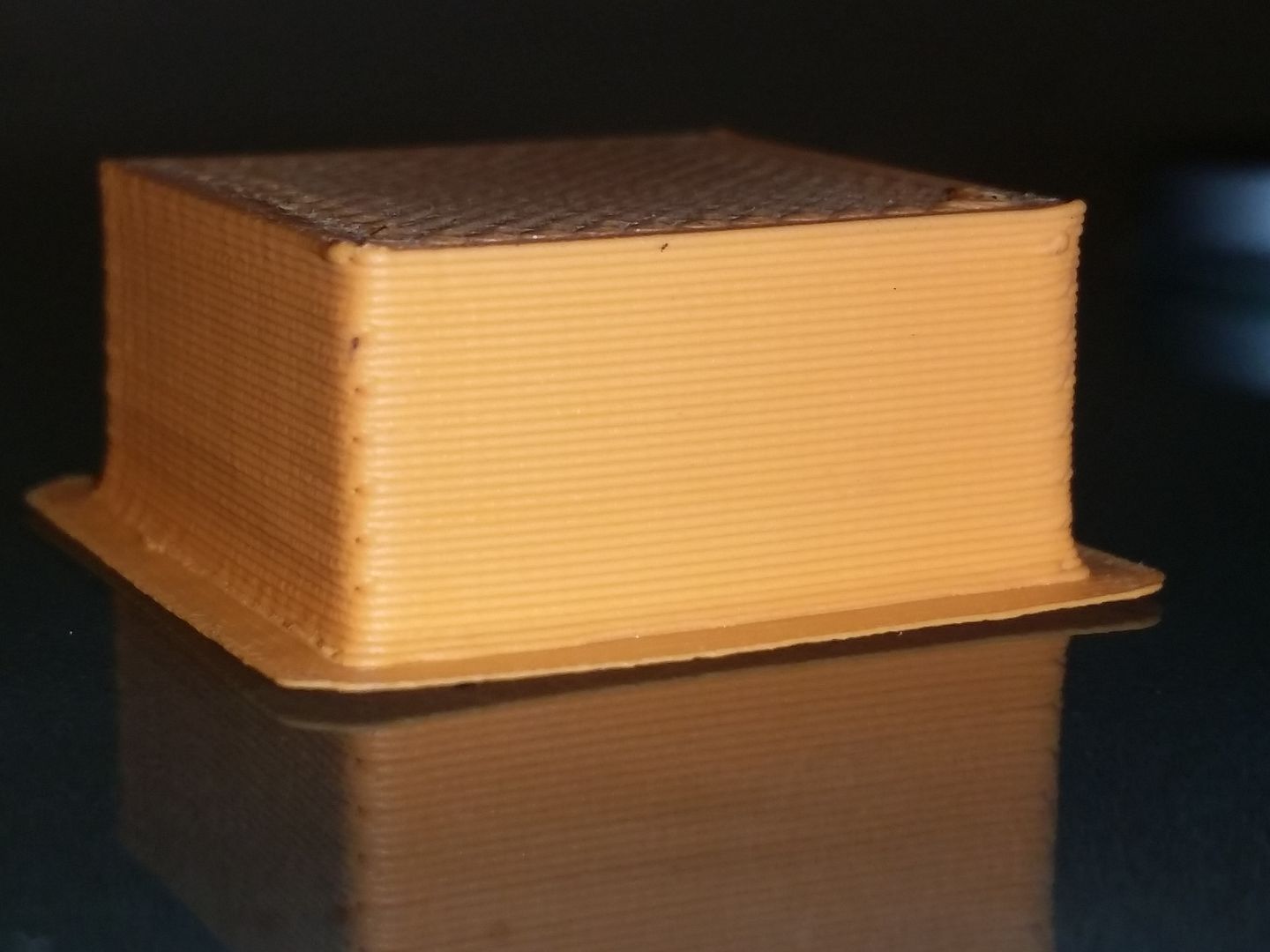
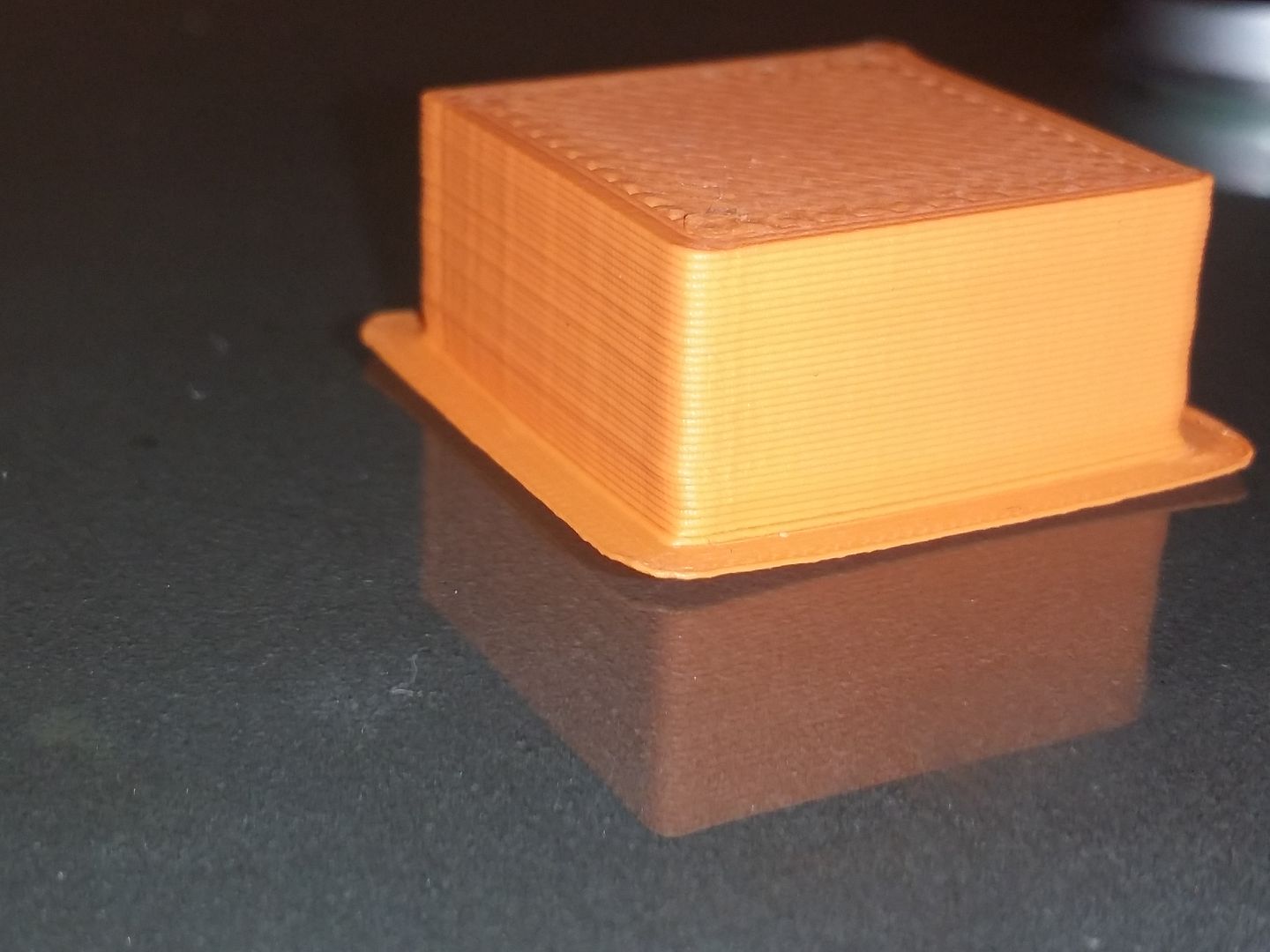
I played with the values from -.05 all the way to -.5 and was getting a bit of a difference but I thought that -.5 extra restart was a bit extreme and out of the recommended change range so I started trying other variables. Do you think it makes sense togo higher?

-.5 Extra restart distance test cube

Image

From a different angle
Image


Try disabling the retract between layers. Go to Advanced tab, uncheck "force retract between layers"
I really thought that this would have been the golden ticket but unfortunately that didn't yield better results. BUT what it did do was show me another option called "only retract over open spaces"
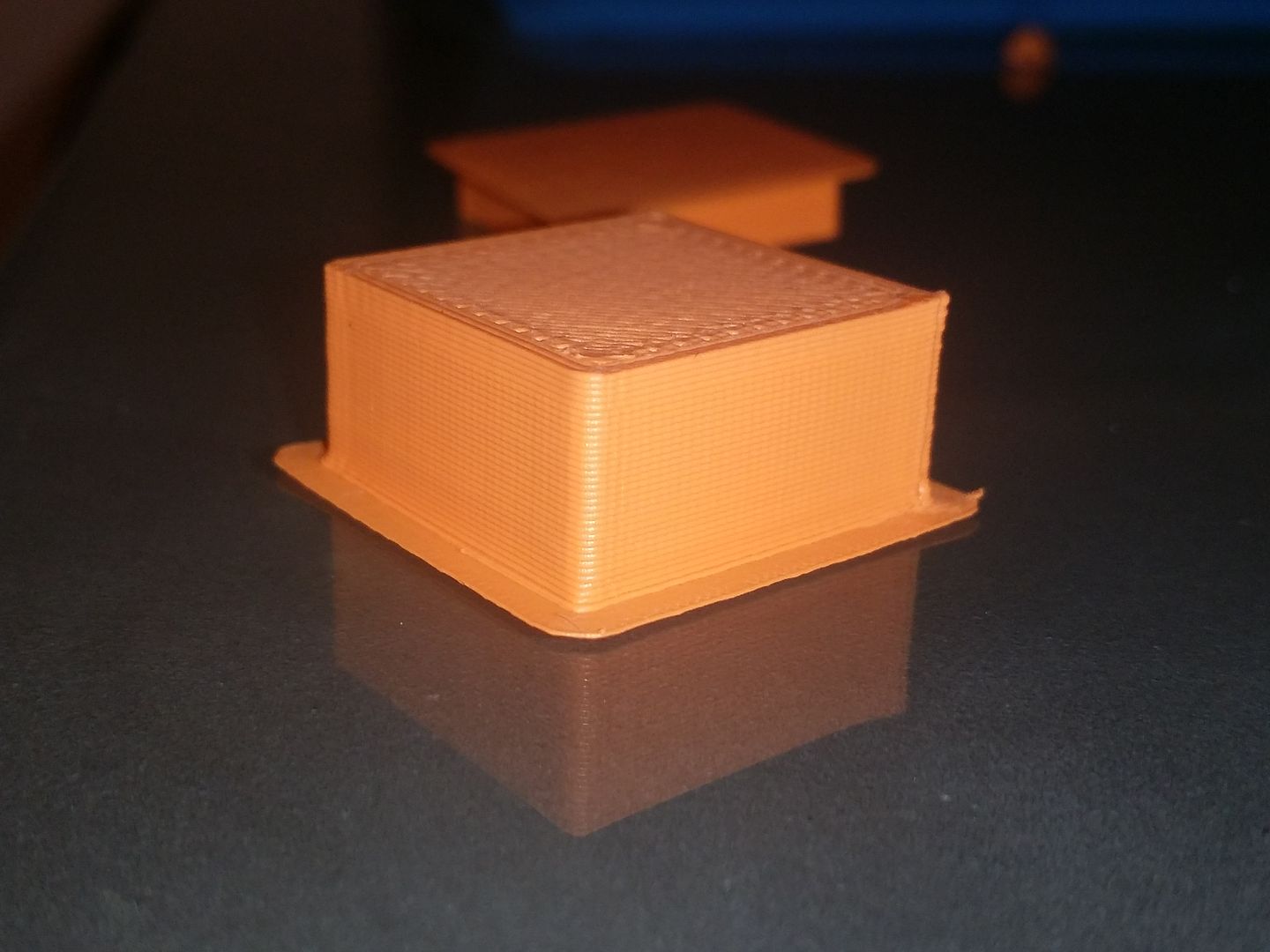
When I turned this on there were no more pauses at the points I was seeing blobs leaving me a very nice finish (still not as good as the one I had when I printed 2 objects) but alot better than any of the other tweaking I had done.

Only retract over open spaces, -.1 extra retract, 1 extrusion multiplier
Image


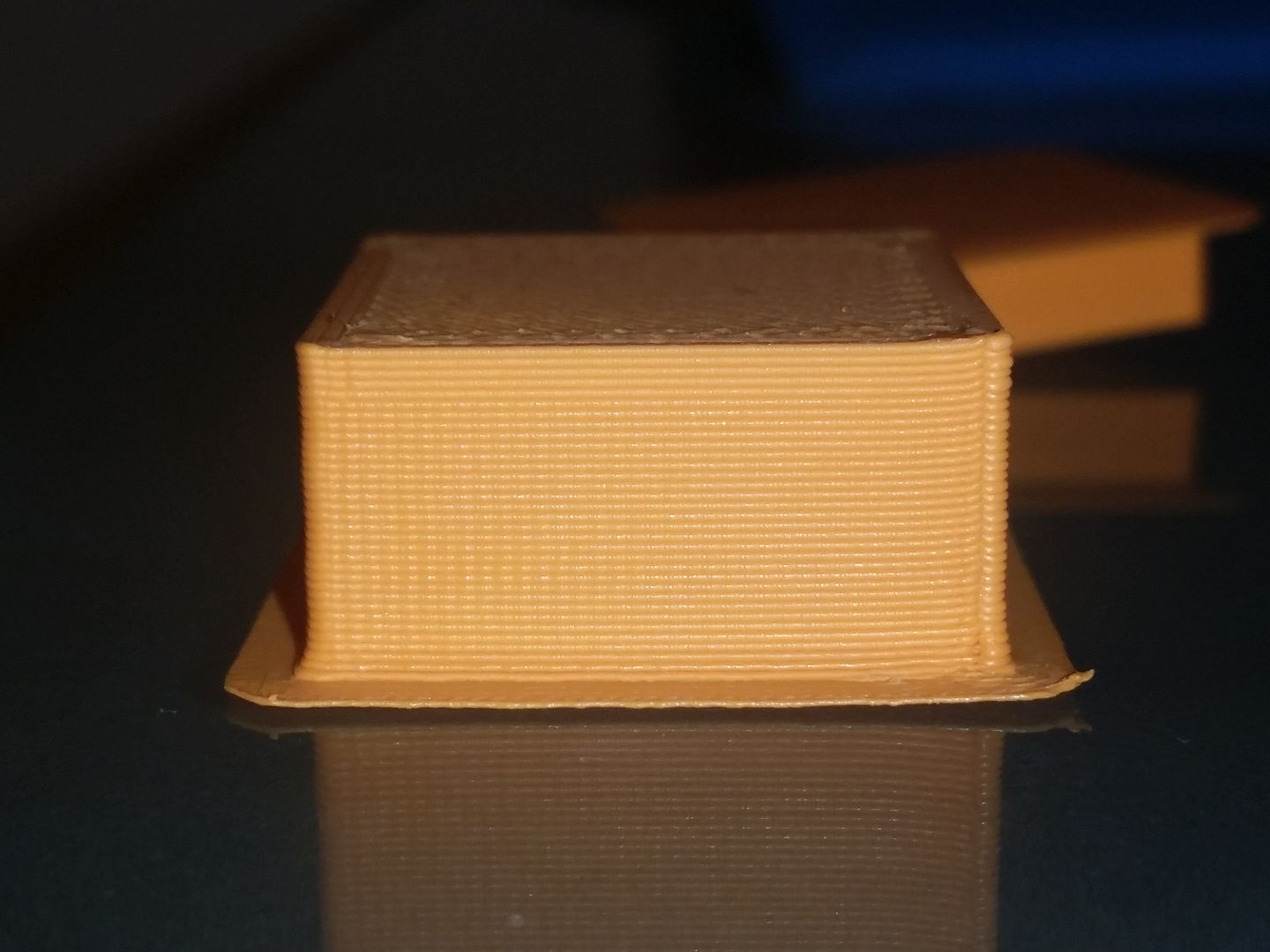
Below is what the good print looked like that I produced when printing two objects at the same time and essentially what would be the goal to replicate.

Image

A bit more background information I have a greg wades extruder setup, 0.5 nozzle if that helps diagnose the patient. Thanks again for the tips on where to poke around and sorry for the inconsistent camera angles, let me know if a certain angle is better.

Re: Blobs at retraction points gone when print 2 objects

Posted: Tue Feb 24, 2015 11:35 pm
by singhm29
Just an update for anyone who might fall into the same problem.

Ive reached a more acceptable setting to minimize the blobs and get a better print instead of my makeshift solution of telling to to only retract over open space. Credit goes to the tech team over at re:3D (the company that makes the Gigabot) for pointing me on the right path.

The biggest change from the above post and the current result was
-turned force retract on layer changes ON
-turned only retract over open space OFF
-originally the profile for my printer tha had M201 X1500 Y1500 in the start code was changed to M201 X6000 Y6000
-chose one start point instead of optimizing start points for faster printing

Seperate from those changes I had these settings for the previous posts print as well as the better print
-0.3 layer height
-coast at end with 0.04 coasting
-extra restart distance -.10
-extrusion width of 0.5 instead of 0.6 as automatically generated for my 0.5 nozzle

Image

Image

Re: Blobs at retraction points gone when print 2 objects

Posted: Sat Sep 24, 2016 9:06 am
by Slinkytrips
I was having the same issues and came across this posting. After playing around with lots of settings I think you hit the nail on the head about the time taking with retraction. With 2 models it is jumping between them, with just 1 it will pause and perform the retraction. In the end I found the best cure was to up my retraction speeds which also resulted in less time paused at the retraction point. I don't think that it is the oozing causing the blobs at the end points but the actual heat from the nozzle sitting there for a short time. This is why you don't see much positive effect when adjusting all the coast, wiping, restart distance etc settings.

Thanks to the original poster for his work on this.