Swesen
Posts: 2
Joined: Sat Sep 16, 2017 2:51 pm

[FIXED] Bottom layers near the top of the perimeter.

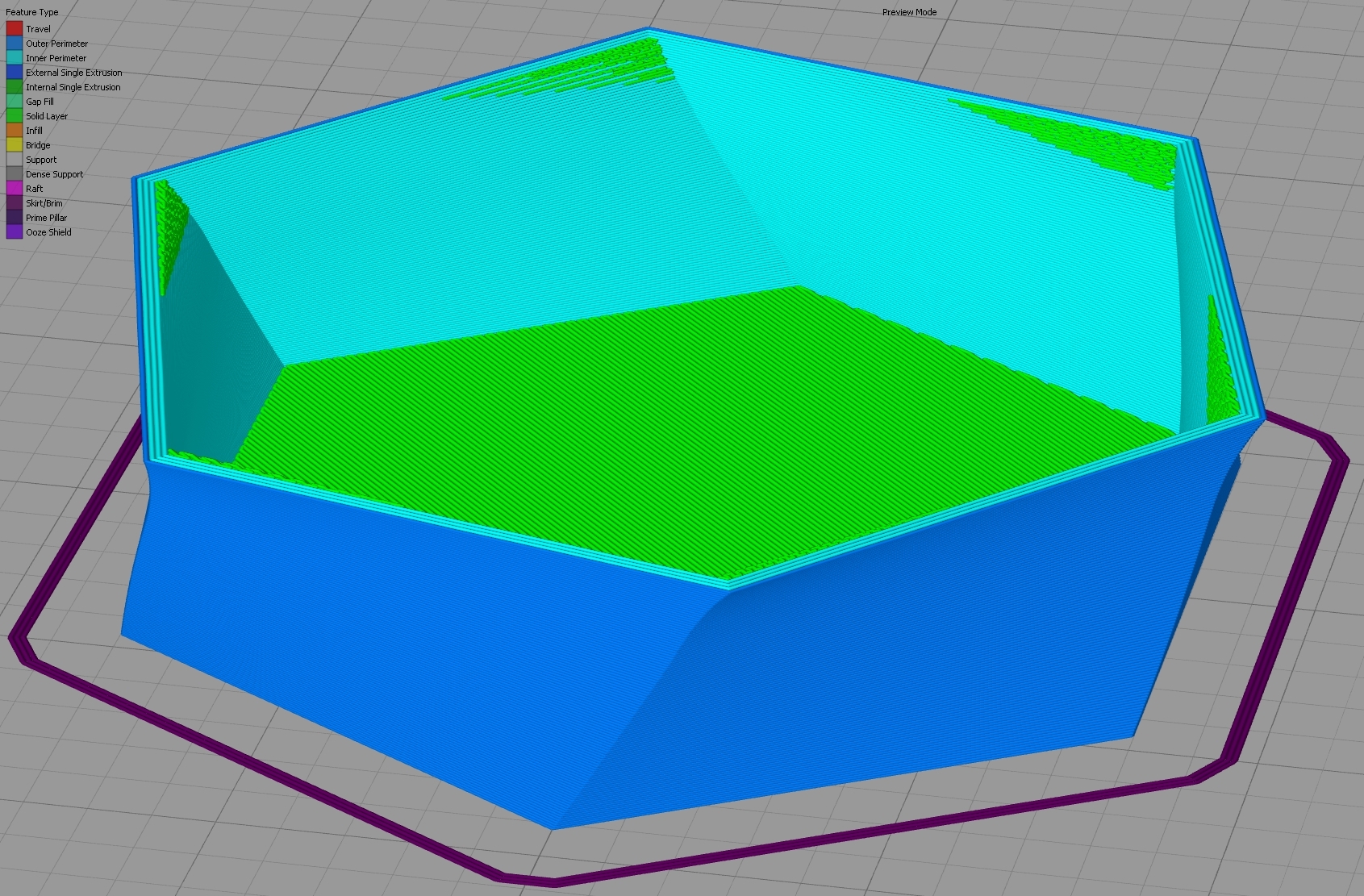
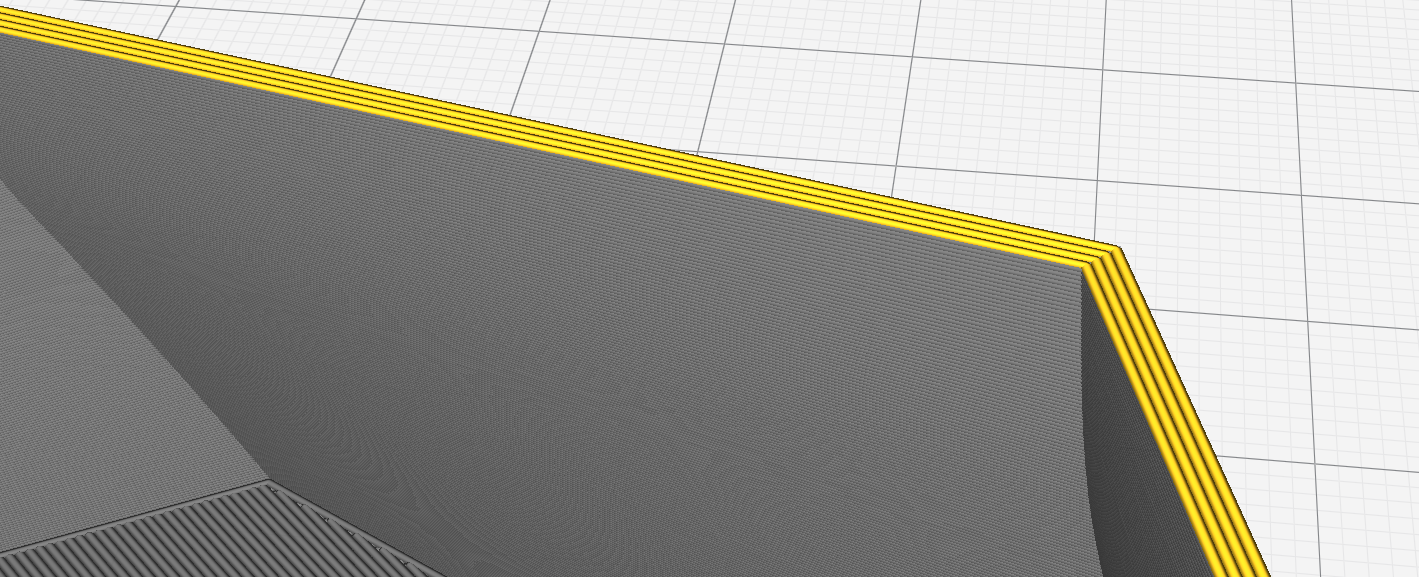
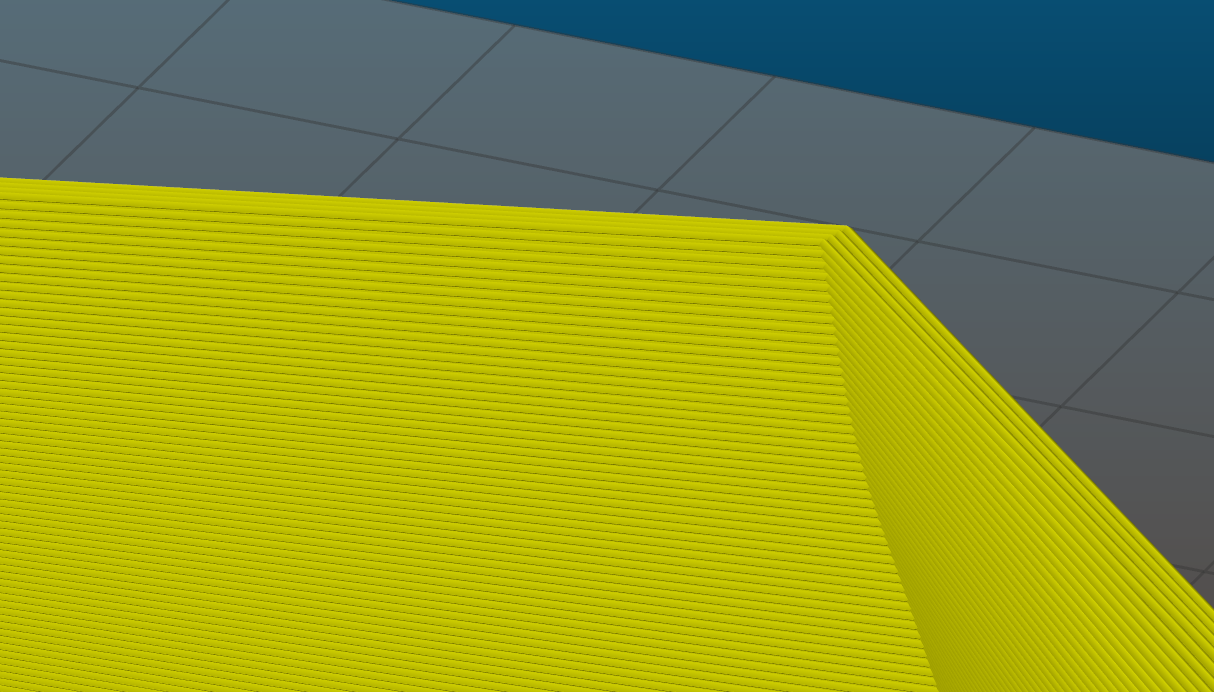
So I had a modell that I wanted to print without top layers and infill. And near the top of the perimeter there are "solid infill". They are one more layers if I increase bottom layers, so it would seem like the slicing thinks there should be bottom layers there. As other slicers seem to handle it like expected I know it is not the STL file.
Simplify3D:
Image
Image


Cura:
Image

Slic3r:
Image
Attachments
HexPot.factory
(159.98 KiB) Downloaded 248 times
rrdavis
Posts: 421
Joined: Sat Dec 09, 2017 4:52 am

Re: Bottom layers near the top of the perimeter.

If you have a very steep overhang, but you are telling the software that you want lots of bottom solid layers, it will have to add more layers near those overhangs. Otherwise, if you think of an extreme overhang, the bottom of that overhang would only be a few layers thick!

You could try lowering the number of bottom solid layers, or use a different process for the bottom of the part if you need different settings there.
S3D-Jake
Posts: 1048
Joined: Wed Jun 20, 2018 12:45 pm

Re: Bottom layers near the top of the perimeter.

I’m happy to state that this issue should be resolved now in the latest 4.1.0 release. Our team successfully tested your factory file. This file now prints without top layers and infill. This was just one of many improvements to the software. All of which are detailed on our Release Notes page.

Thank you for your help reporting this issue!
"A bird does not sing because it has an answer. It sings because it has a song."

Return to “Troubleshooting and Bug Reports”